Stop building the same automation for the tenth client.
21 ready-made automations for consultants — leads, invoices, follow-ups, reports. Each one: a 30-second video, a blueprint to import, the sheet template, and the part that does not work.
Find your automation
See all →8 automations
 LEAD ALERT
Lead comes in → logged → alert. No hands.
A form on the client site sends a lead; it is logged and an alert reaches Telegram in seconds. The first automation every consultant sets up.
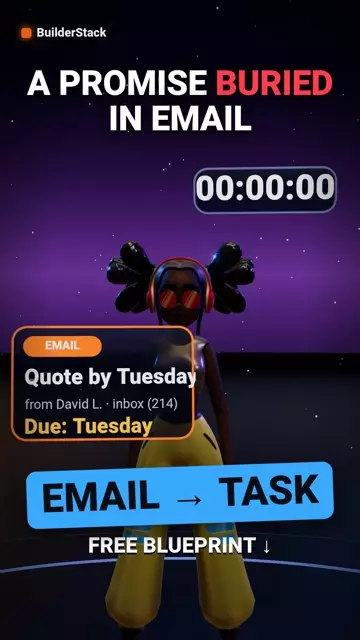
 EMAIL → TASK
Labelled email → task in the log → reminder
Tag an email with one label and it becomes a task with a due date and an alert. One screen for everything that is waiting.
 INVOICE CHASER
Invoice past due → an automatic, polite reminder
Once a day it finds open invoices past their date and sends a reminder. The client no longer has to remember to chase.
 AUTO WELCOME
New client → welcome email → onboarding checklist → alert
A client signs and hears nothing until someone is free. On signing, they get an email saying what comes next, a checklist opens and the team is alerted.
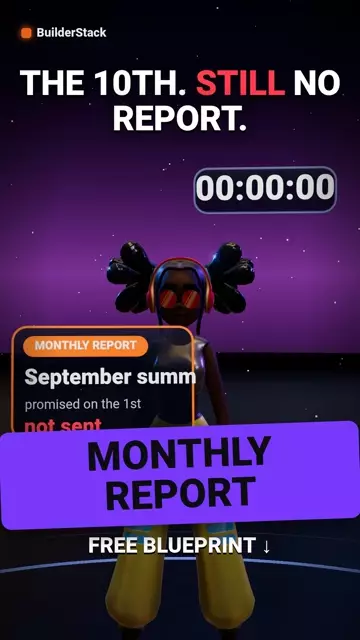
 WEEKLY REPORT
Weekly report → Telegram, every Sunday at eight
The numbers the client asks about every week — leads, open tasks, invoices — reach them on their own, in one message, before they ask.
 QUOTE FOLLOW-UP
Quote unanswered for 3 days → one follow-up, automatic
Every quote sent and unanswered within three days gets one short follow-up email, and the consultant gets an alert. Nothing to remember, nobody to chase.
 REVIEW ASK
Project closed → 7 days → a Google review request
A week after a project is marked "done", the client gets a personal email with a direct link to write a review. Once, at the right moment.
 DUPLICATE CHECK
Returning lead → recognised → "second contact", not "new lead"
A returning lead is greeted as new. Before logging, the phone is checked against the log; if it is there, the alert says "came back", not "new lead".
Watch them work
YouTube channel →






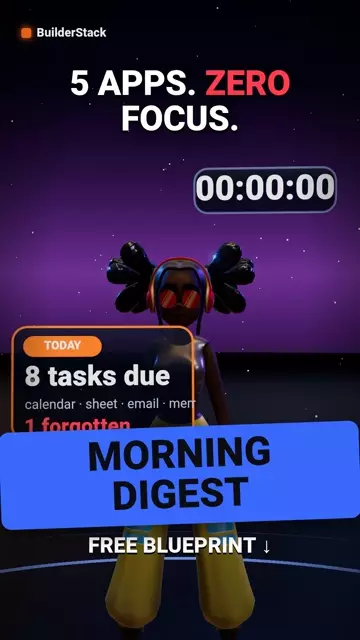
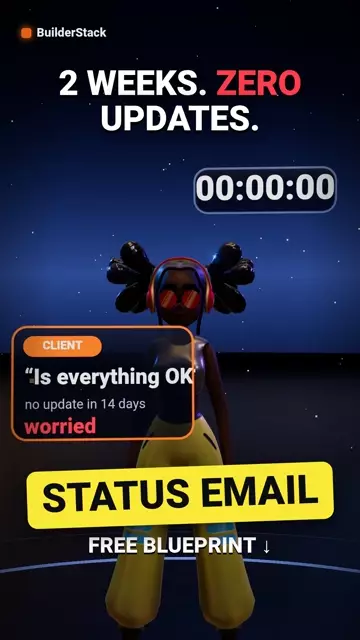









All 21 automations in one video, with chapters
Every automation in order, each chapter linked to its blueprint.
▶ Watch on YouTubeFrom video to running automation
Download the blueprint
One JSON file, no connections and none of our ids inside. Plus the sheet template with the exact columns.
Import into Make
Scenarios → Import Blueprint. Two minutes, the page walks you through every click.
Connect and run once
Pick your Google and Telegram connections, run with a test row, then switch it on.
Get one new Make automation each week
Get the full 21-blueprint pack (ZIP) by email, then one new automation a week. Everything on the site stays free to download without it.
Guides
All guides →A new automation every day
How we work
Checked in Make, and labelled
Every blueprint is imported into our own Make account through the API, and each card says whether that has happened yet. Whatever Make rejects comes down.
The downside next to the button
Every automation says what does not work in it, in the same box as the download.
Partners, in the open
Some tools pay us a commission on sign-up. Your price is the same and every file works without the link.